Plenty of teams say they "do ITIL" because they run Jira Service Management. Fewer can say which ITIL practices their configuration actually supports. Installing JSM gives you a tool; ITIL 4 describes how to run a service. The gap between the two is where most service desks quietly stall — a queue with a form on the front, and not much behind it.
This is a short, honest self-audit. It starts with what ITIL 4 is, maps its core practices to what "good" looks like in JSM, and flags a licensing detail that catches out many Standard-plan teams.
What ITIL 4 actually asks of you
ITIL 4 is a set of best practices for designing, delivering and continually improving IT services. Its center of gravity is the service value system, which describes how everything an organization does works together to create value. That system is made up of:
- the guiding principles,
- governance,
- the service value chain (plan, improve, engage, design and transition, obtain/build, and deliver and support),
- practices, and
- continual improvement.
Alongside it sit the four dimensions of service management: organizations and people; information and technology; partners and suppliers; and value streams and processes. A setup that only thinks about the tool is covering one of the four.
There are seven guiding principles: focus on value; start where you are; progress iteratively with feedback; collaborate and promote visibility; think and work holistically; keep it simple and practical; and optimize and automate. Several of them — start where you are, keep it simple, optimize and automate — are a better guide to configuring JSM than any maturity model.
ITIL 4 defines 34 practices in three groups: general management, service management and technology management. You do not need to implement all of them. A handful carry most of a service desk's day-to-day weight.
Your self-audit: practice by practice
Use this as a conversation starter with your team. For each row, ask whether you could show a colleague (or an auditor) evidence of it in your instance today.
| ITIL 4 practice | What "good" looks like in JSM | A warning sign |
|---|---|---|
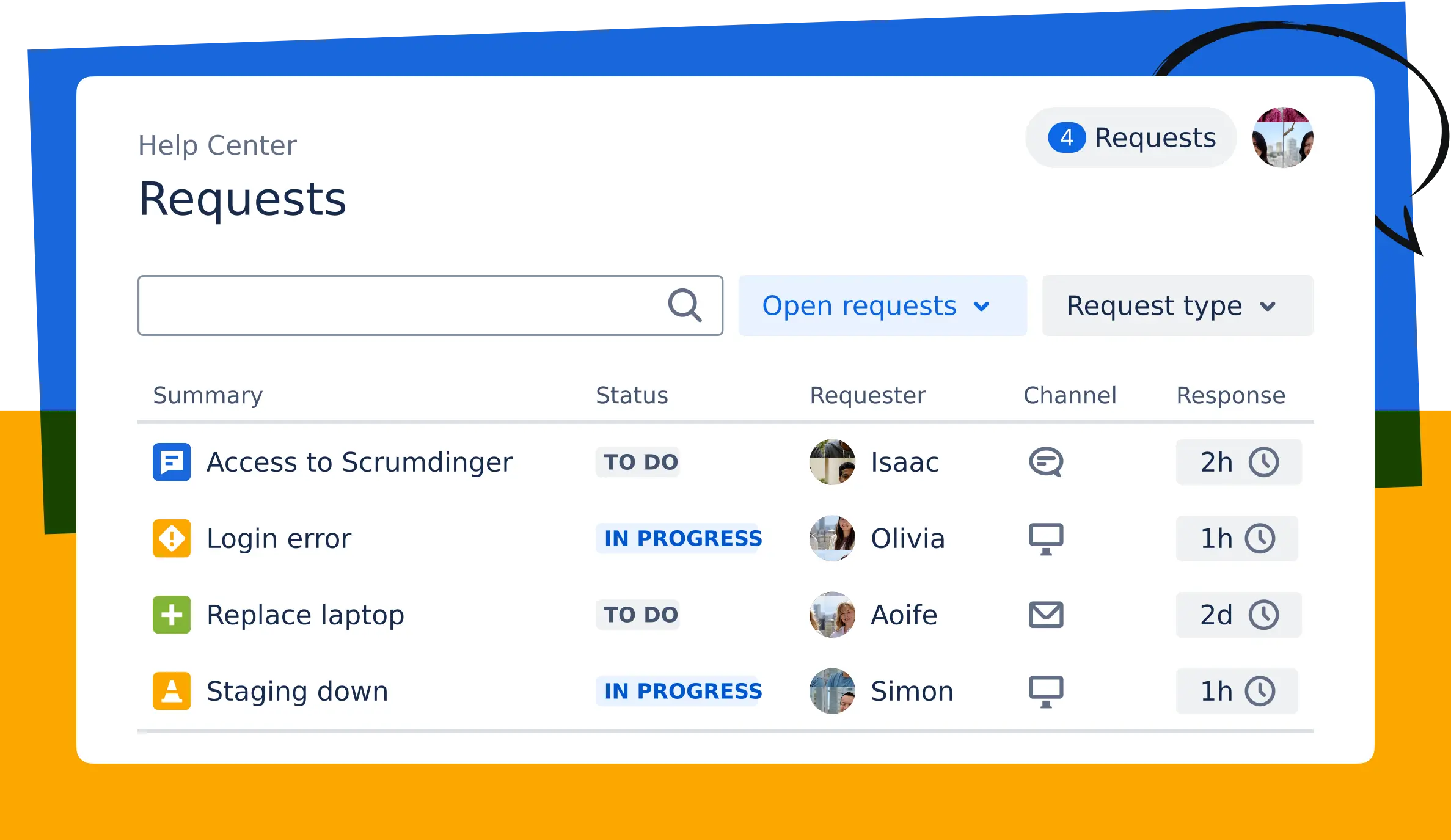
| Service request management | A Help Center with clear request types, dynamic forms, approvals, queues, routing and SLAs | One generic "IT help" request type that everything lands in |
| Incident management | Alerts grouped and turned into incidents, on-call schedules and escalation policies, clear responder roles, status communication | Incidents tracked as ordinary tickets, with no severity or escalation path |
| Problem management | A dedicated space to log, investigate and track root causes, with problem records linked to related incidents, changes and assets | The same incident is "resolved" repeatedly and nobody owns the cause |
| Change enablement | Standard and normal change types, risk-based approvals, a shared change calendar, deployment context from CI/CD | Changes approved in chat, or a blanket approval for everything |
| Knowledge management | Self-service articles surfaced to the requester before they raise a ticket | Agents answering the same question by hand every week |
| Service desk | Queues, SLAs and automation that give agents context and a clear next step | Agents working from an unsorted list |
| Service configuration | Assets/CMDB linked to incidents and changes so impact is visible | A spreadsheet of assets that is out of date |
| Continual improvement | Dashboards and reviews tied to goals such as resolution time and SLA adherence | Reports are produced, but nothing changes as a result |
If you score yourself honestly and find mostly warning signs, that is normal. It is also the useful result — it shows you where a configuration project will pay back fastest.
The plan-tier detail that surprises people
Here is the part that most often catches teams out. Atlassian changed its packaging for Jira Service Management Cloud: as of October 16, 2024, advanced incident management (such as major incidents and post-incident reviews), change management and problem management moved from Standard to Premium plans.
In practice that means the following are available only on Premium and Enterprise:
- Incident management: conference calls and chat tools for real-time collaboration, major incidents, and post-incident reviews.
- Change management: the change work category and queues, the change calendar, automated risk assessments, and CI/CD integrations for affected-service and deployment tracking.
- Problem management: the problem work category and queues.
Core incident management remains available on Free and Standard, and existing spaces keep their existing request types. But if you are on Standard and believe you are "doing change management" or "doing problem management", it is worth checking whether you are actually working around missing features with manual process — or whether a plan review would be cheaper than the workarounds.
What good incident and problem management looks like
Incident and problem management are the two practices people most often conflate. An incident is about restoring service quickly. A problem is about finding and removing the cause so the incident does not come back.
In JSM, the two are meant to be connected: problem records link to the incidents, changes and assets involved, so you can see patterns across your services without correlating data by hand. Post-incident reviews capture root cause, contributing factors and follow-up actions at the moment an incident closes.
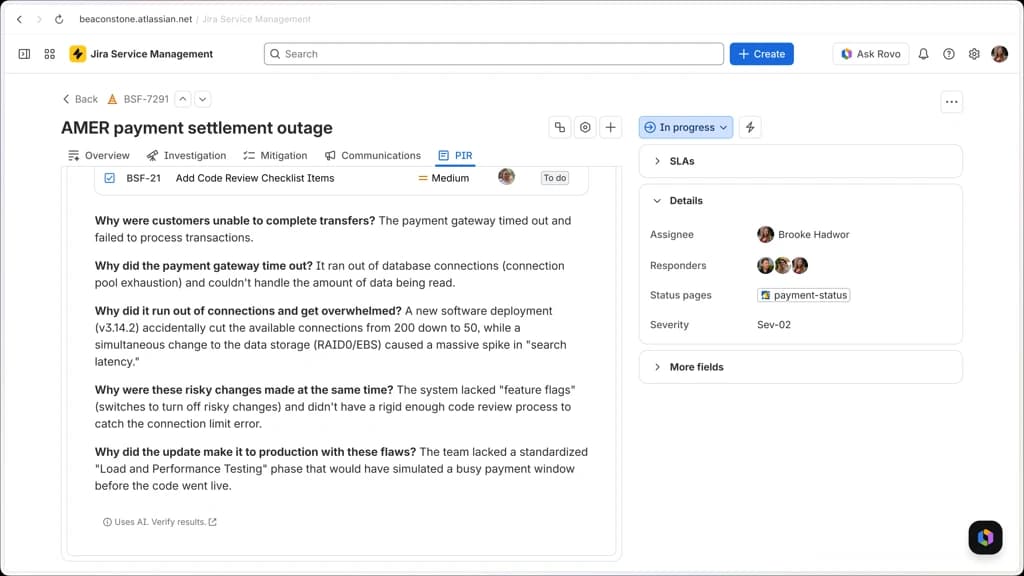
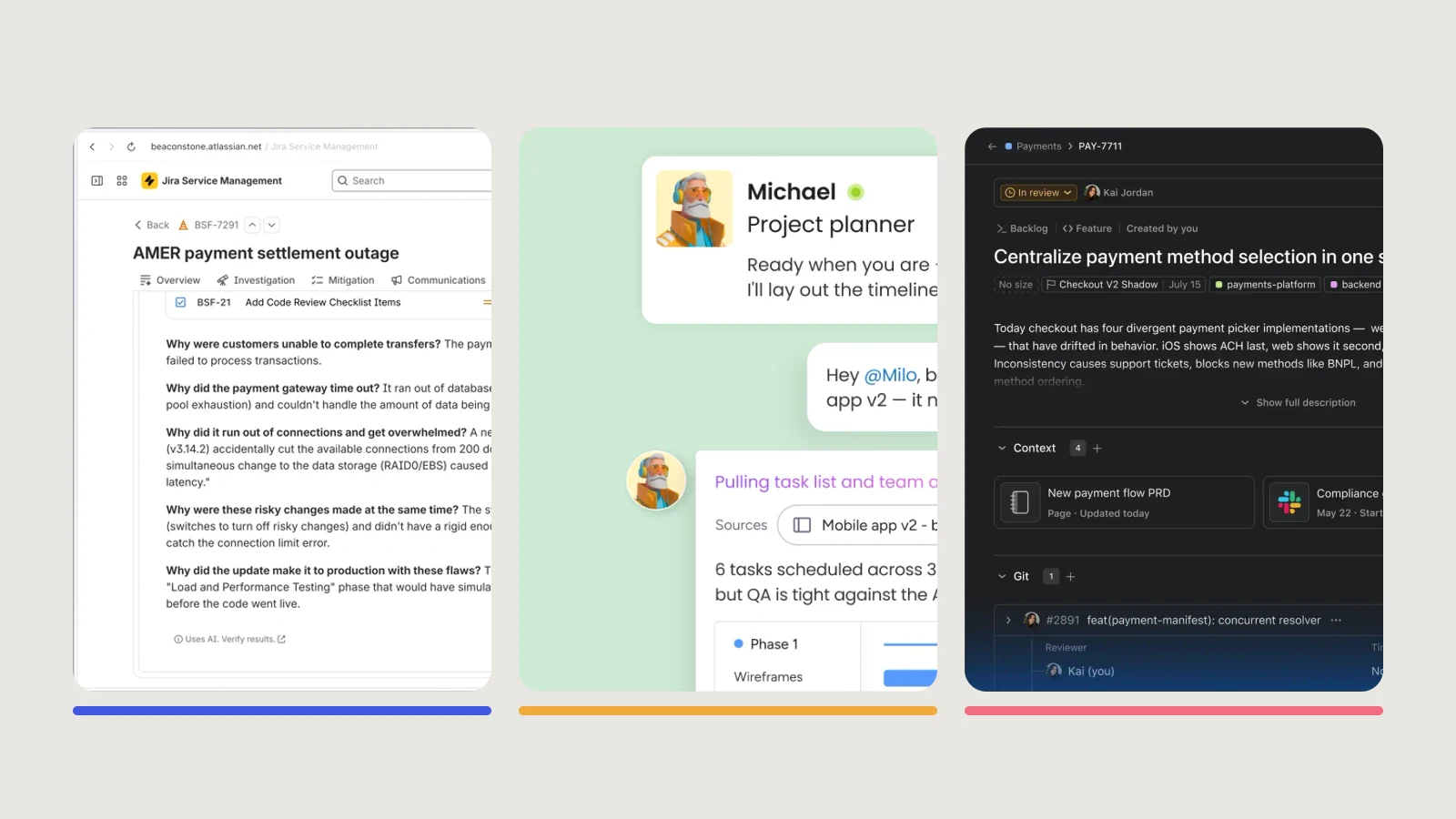
AI is increasingly part of this. Atlassian describes Rovo as surfacing affected services, related incidents, recent changes and relevant knowledge during an incident, investigating likely root causes, drafting updates and generating post-incident reviews. Treat those outputs as drafts: the screenshot above is explicit that AI-generated content should be verified, and a review is only valuable if a human agrees with it.
Turning the audit into a plan
You do not need to fix everything at once — "start where you are" is a guiding principle for a reason. A sensible sequence for most teams:
- Confirm your plan and what it includes. Know which practices your tier can support before you design around them.
- Fix the front door. Split generic requests into meaningful request types with the right forms, approvals and SLAs.
- Make incidents real. Add severity, on-call and escalation, then connect incidents to the services they affect.
- Add problem and change discipline. Link recurring incidents to problem records and put risk-based approvals behind your changes.
- Measure and improve. Pick a small number of metrics and review them on a schedule.
- Extend beyond IT. Once the model works, the same service-management approach carries into HR, Facilities, Legal and Finance.